
Operations
One Business, Too Many Systems: How to Connect WhatsApp, Excel, Email and Accounting
TechNewWings · 6 November 2026 · 7 min read

Short answer: When WhatsApp, Excel, email and accounting software do not share information, your staff become the connection between them, forwarding messages, copying data and chasing answers. Fix it by mapping which systems must exchange what, cleaning up the process, then integrating, replacing or building only where the handoffs hurt most.
Most growing businesses did not choose to run on five disconnected tools. WhatsApp arrived because customers were already there. Excel arrived because it was free and flexible. Email handled suppliers, and accounting software handled GST or VAT. Each tool made sense on its own. Together, they create a business where nothing knows what anything else is doing.
What does “too many systems” actually cost a business?
The real cost is not the software subscriptions. It is the time your team spends moving information between tools, the errors that creep in when the same data is typed twice, and the decisions made on numbers nobody fully trusts. Disconnected systems turn skilled staff into couriers.
Picture a common sequence. Sales gets a WhatsApp message asking whether an item is available. Sales messages accounts to check whether the customer has an outstanding balance. Accounts asks inventory. Inventory checks the warehouse. Then someone sends the answer back to sales, who replies to the customer, sometimes hours later.
Nobody in that chain did anything wrong. The information simply did not move with the work, so people had to carry it. The symptoms usually look like this:
- Double entry. An order is typed into a WhatsApp reply, then a spreadsheet, then the accounting package.
- Version conflicts. Two copies of the stock sheet disagree, and nobody knows which one is current.
- Slow answers. Customers wait while staff ask each other internal questions.
- Hidden dependency on people. One person knows how the sheets fit together, and the process stalls when they are away.
- Weak reporting. Month-end figures need manual reconciliation before anyone can trust them.
Why doesn’t adding another tool fix it?
A new tool only helps if it removes a handoff. Adding a task app, a second spreadsheet or another inbox without connecting it to the rest usually creates one more place to check and one more copy of the data. The fix starts with understanding which systems need to exchange information.
It is tempting to buy software for each symptom: a team chat for internal questions, a stock app for the warehouse, a form builder for enquiries. Each purchase solves a local problem and adds a new island. After a year, the business has more logins and the same manual bridges.
The better question is not “which tool should we add?” but “where does information stop moving, and what needs to be connected so it keeps going?”
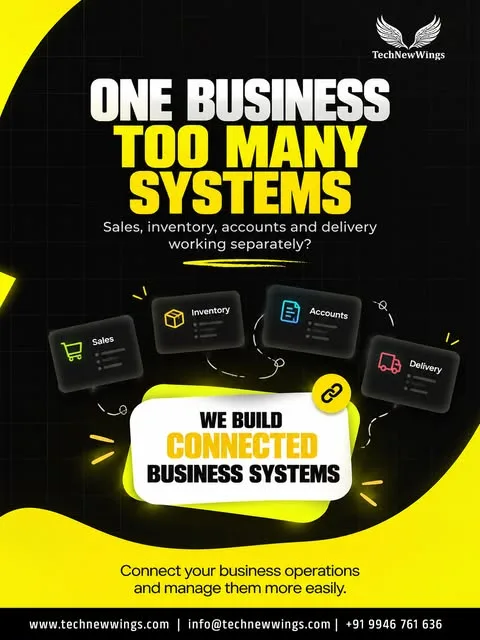
How do you map which systems need to exchange information?
Trace one real transaction from start to finish, such as an enquiry that becomes a paid order. At every step, write down which tool holds the information, who reads it next and how it gets there. Every “someone forwards it” or “someone retypes it” is a connection you need.
A simple information map for a trading or retail business might look like this:
| Information | Where it starts | Who needs it next | How it moves today | Better route |
|---|---|---|---|---|
| Customer enquiry | WhatsApp, email, website form | Sales | Screenshots, forwarded chats | One CRM record per enquiry |
| Stock availability | Excel or warehouse notes | Sales, purchasing | Phone calls, messages | Live stock in ERP or inventory system |
| Customer balance | Accounting software | Sales | Asking accounts | Balance visible on customer record |
| Confirmed order | WhatsApp chat | Warehouse, billing | Retyped into sheet and invoice | Order created once, shared by all |
| Payment status | Bank, payment gateway | Accounts, sales | Manual checks | Payment updates order automatically |
| Delivery status | Courier or driver | Sales, customer | Calls and messages | Status pushed to the order record |
Once the map is drawn, two things become clear. First, a handful of records (customer, order, stock, invoice) are used by almost everyone. Second, most of the pain sits in two or three handoffs, not all of them. Those are where to start.
If you are still running operations on spreadsheets, our guide on moving from Excel to ERP covers what changes when stock and orders live in one system.
Should you integrate, replace or build?
Integrate when each tool works well and only the handoffs are broken. Replace when a tool, often a spreadsheet, is doing a job it was never designed for. Build custom software when your workflow is genuinely specific and standard products force awkward workarounds. Most businesses end up with a mix.
| Approach | When it fits | Typical example | Watch out for |
|---|---|---|---|
| Integrate | Tools are fine; data does not flow | Store orders sync into accounting software | API limits, plan restrictions, sync errors nobody monitors |
| Replace | A tool is stretched beyond its role | Stock and order sheets move into an ERP | Data migration and staff retraining |
| Build | Workflow is specific to your business | Custom order, approval or service portal | Clear scope, ownership and ongoing maintenance |
A few practical rules help:
- Pick one source of truth per record. Customers live in the CRM, stock in the ERP, invoices in accounting. Other tools read from them.
- Keep the channels customers like. WhatsApp and email stay; what changes is that conversations land in a shared record. See how we connect chat to sales in why WhatsApp leads get lost.
- Prefer standard tools first. Configure a CRM or ERP before commissioning custom software, unless the workflow clearly does not fit.
Why fix the process before you automate it?
Automation makes a process faster, not better. If approvals are unclear, data is entered inconsistently or nobody owns a step, automating it spreads those problems faster and makes them harder to see. Agree on the workflow, owners and data rules first, then connect and automate.
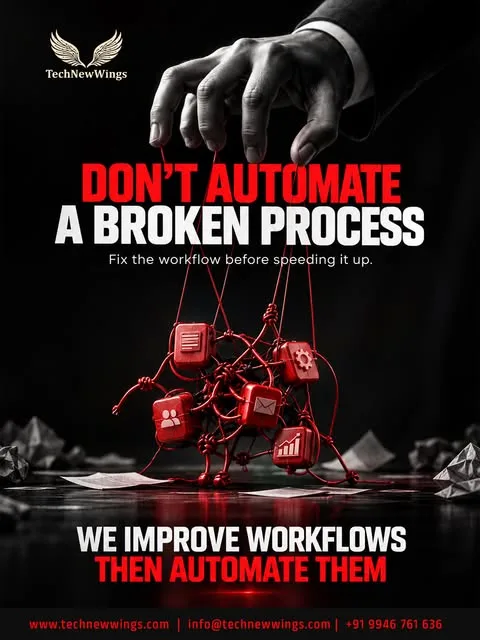
The same applies to AI. Start by asking which task needs improving, not where AI could be added. A model that reads messy, duplicated records will produce confident answers from bad data. Once customer, order and stock records are clean and connected, AI automation can take on specific jobs such as classifying enquiries, extracting order details from messages or flagging overdue payments.
Before connecting anything, check the process with this list:
- Every tool in use is listed, including personal phones and private spreadsheets
- One real order or enquiry has been traced end to end
- Each key record (customer, order, stock, invoice) has one agreed home
- Each step has a named owner, not “whoever is free”
- Required fields are defined so data is entered the same way every time
- The two or three most painful handoffs are ranked by frequency and cost of error
- Exceptions such as returns, partial payments and credit customers are written down
- Someone is responsible for monitoring integrations once they are live
For a deeper look at choosing what to automate, read what to automate first.
What does a connected setup look like in practice?
In a connected business, an enquiry becomes a customer record once, an order is created once and shared by sales, warehouse and accounts, and payment and delivery updates flow back automatically. Staff still talk to each other, but about decisions and exceptions, not about where the latest information is.
The tools may not change much from the outside. Customers still message on WhatsApp. Accounts may keep the same accounting package. What changes is underneath:
- Sales sees stock and customer balance on the same screen where they reply.
- A confirmed order flows to the warehouse and billing without retyping.
- Accounts sees payments matched to orders rather than reconciling at month end.
- Management reports come from the system, not from a spreadsheet someone rebuilds every week.
The aim is simple: one flow, better control. Information moves with the work, and people spend their time on customers rather than on copying data.
Next step
If your team is acting as the bridge between WhatsApp, spreadsheets, email and accounts, start by mapping where information stops moving. Our Business System Design session looks at your current tools and handoffs and shows which connections to fix first.
Frequently asked questions
Can WhatsApp, Excel and accounting software be connected without replacing them?▾
Often, yes. Accounting packages and the WhatsApp Business Platform offer APIs or import options, and a CRM or lightweight ERP can sit in the middle as the shared record. The spreadsheet is usually the piece that gets retired, because it becomes the manual bridge between everything else. Which connections are possible depends on the exact tools and plans you use, so check that first.
Do we need an ERP to fix disconnected systems?▾
Not always. If the main problem is customer follow-up, a CRM connected to WhatsApp and email may be enough. If orders, stock, purchasing and billing all depend on each other and staff keep re-entering the same data, an ERP or a custom operations system usually earns its cost. Map the information flow first, then pick the system that covers the most painful handoffs.
What is an integration layer in simple terms?▾
It is whatever moves information from one system to another. In a connected setup it is software: an API connection, a scheduled sync or an automation that copies an order from your store into accounting. In a disconnected business the integration layer is people, forwarding messages, copying rows between sheets and asking colleagues for updates. The goal is to move that work from people to software.
Should we add AI to fix scattered business data?▾
Start with the task, not the AI. If data lives in five places with no shared customer or order record, AI will only read the same confusion faster. First agree on one source of truth for customers, orders and stock, and connect the systems that feed it. Then AI can help with specific jobs, such as classifying enquiries or drafting replies, on clean data.
How do we start connecting our business systems?▾
List every tool your team uses, then trace one real order or enquiry from first message to payment. Note each place information is copied, forwarded or asked for again. Those handoffs are your integration list. Rank them by how often they happen and what an error costs, fix the process for the top one, then connect or replace the systems involved.